Setup is a one-time job. Install the Chrome extension if you'll sell on Depop or Facebook Marketplace, then connect each marketplace you intend to cross-list to.
Open Automations
Manage connected marketplaces from one place.
1. Install the Chrome Extension
Skip this step if you're only selling on eBay or Shopify. Both connect via official APIs and don't need the extension.
You'll need the extension for Depop and Facebook Marketplace. Neither offers a public API, so Ragpiq drives them through your logged-in browser session.
Add Ragpiq to Chrome
One-click install from the Chrome Web Store.
2. Connect Your Marketplaces
Open the Automations tab in your business dashboard and click the cog icon in the top-left to open the platform settings drawer.
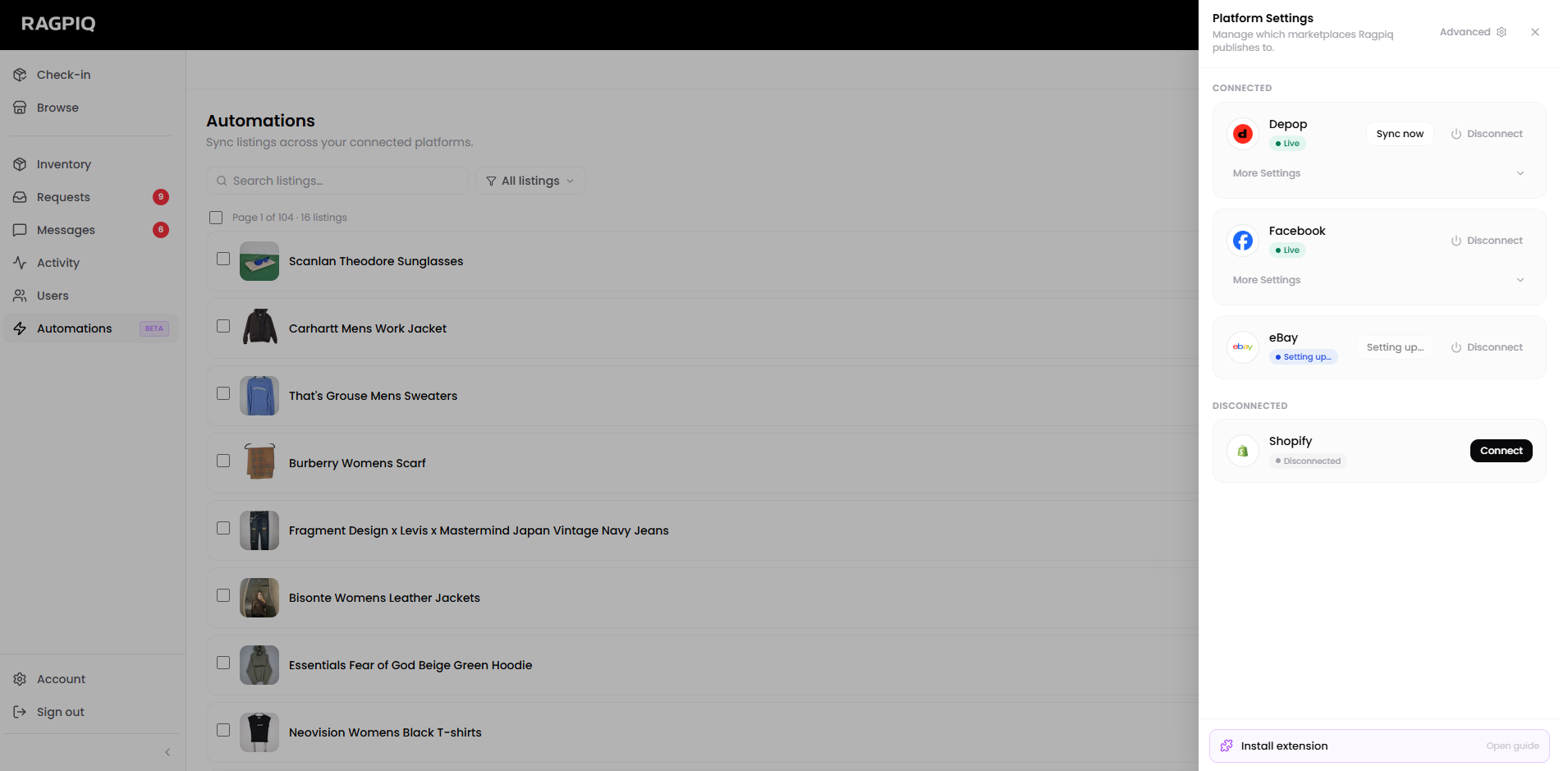
Direct API connections
Connect instantly with your login credentials. Listings, prices, and sales sync in real time.
| Marketplace | Notes |
|---|---|
| eBay | OAuth, also configures shipping/payment/return policies on first connect |
| Shopify | OAuth via your store URL |
Extension-driven connections
Requires the Chrome extension installed (step 1). Sign in once via the extension popup and Ragpiq automates the listing actions from there.
| Marketplace | Notes |
|---|---|
| Depop | Browser-driven; uploads happen via your logged-in tab |
| Facebook Marketplace | Browser-driven; same as Depop |
Coming Soon
Grailed, Poshmark, and Vinted are in the queue. Join the waitlist from the platform settings drawer to get early access when each ships.
What's Next
- Connect Listings: push your existing inventory live across connected platforms.
- Advanced Settings: per-marketplace tuning like eBay region and Depop auto-markup.